
Building Parrot - My First Open Source Project
I got tired of typing the same things over and over. So I built a system tray power clipboard that lives in the background and auto-pastes with a keystroke.
It started with frustration.
I'd be in the middle of something - reviewing code, writing documentation, debugging an issue - and I'd need to throw in the same bits of text I use every single day.
"Run a full check: lint, typecheck, build, and tests. If anything fails, fix it. I want zero errors before I commit."
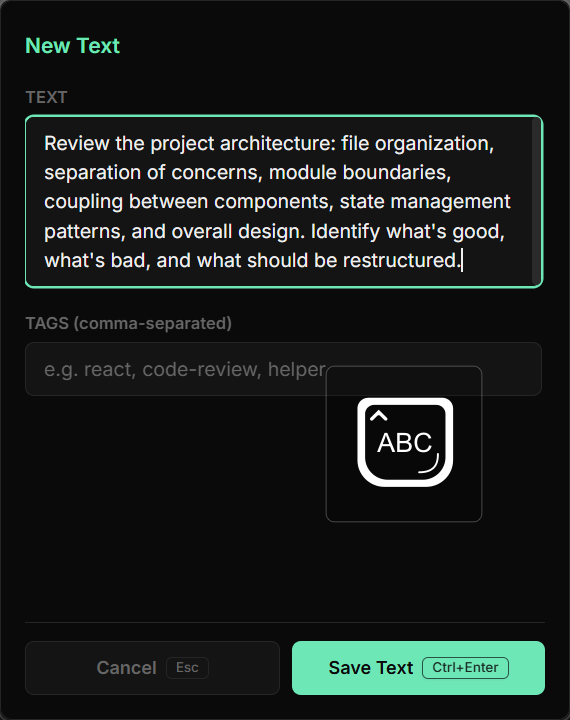
"Review the project architecture: file organization, separation of concerns, module boundaries, coupling between components, state management patterns, and overall design. Identify what's good, what's bad, and what should be restructured."
"Delete dist/, target/, and node_modules/. Reinstall everything from scratch. Run a full clean build. Report any failures."
Or maybe it's not an AI prompt at all. Maybe it's a standard email reply, a code snippet, a git command you can never remember, a template you paste into every ticket. The specifics don't matter - the motion is the same.
Every time, the same ritual: switch to a browser tab, copy, switch back. Or dig through a notes file, copy, paste. It doesn't sound like much, but when you do it fifty times a day, it grinds you down.
I needed a better way and I built one.
What is Parrot?
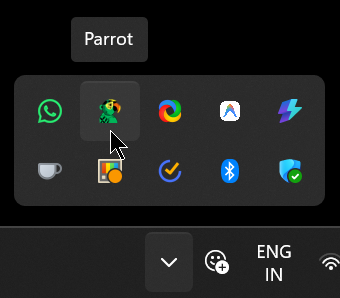
Parrot is a lightweight, keyboard-first desktop app for Windows that lives in your system tray. You save any text you use often - prompts, snippets, templates, replies, commands - and with a single global shortcut (Ctrl+Shift+Space), you can search, select, and auto-paste it right where you were working, without ever leaving your current application.
Think of it as a power clipboard that remembers everything you reach for more than once.
It's fast, it's local, and it respects your privacy. No cloud, no accounts, no telemetry. Just a JSON file on your machine.
How it works
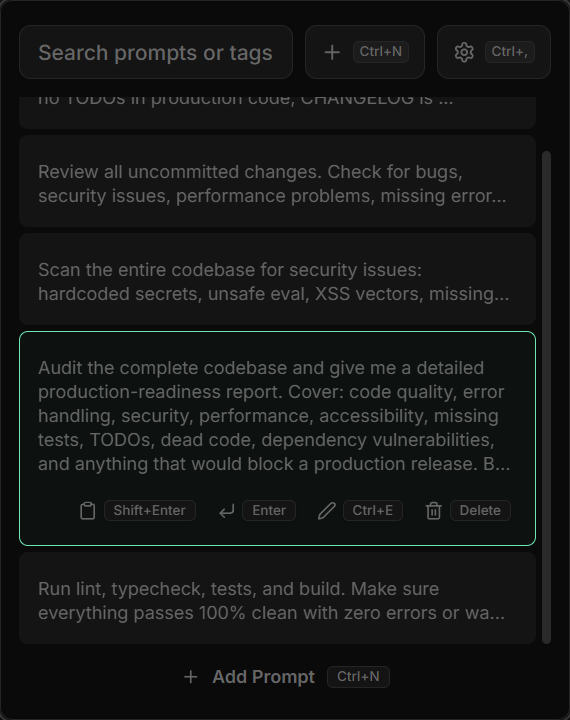
Parrot uses a two-process architecture. A Rust backend handles everything low-level: system tray, keyboard hooks, window positioning, clipboard, and simulated keystrokes. A React frontend provides the UI in a small, chromeless, always-on-top window.
The flow is simple:
- You trigger Parrot via
Ctrl+Shift+Spaceor clicking the tray icon - Before showing its window, Parrot captures the handle of whatever app you were in
- You search or select the text you need using the keyboard
- Hit Enter - Parrot hides, restores focus to your previous app, and pastes the text
The whole thing takes under a second. You barely break flow.
Features that matter
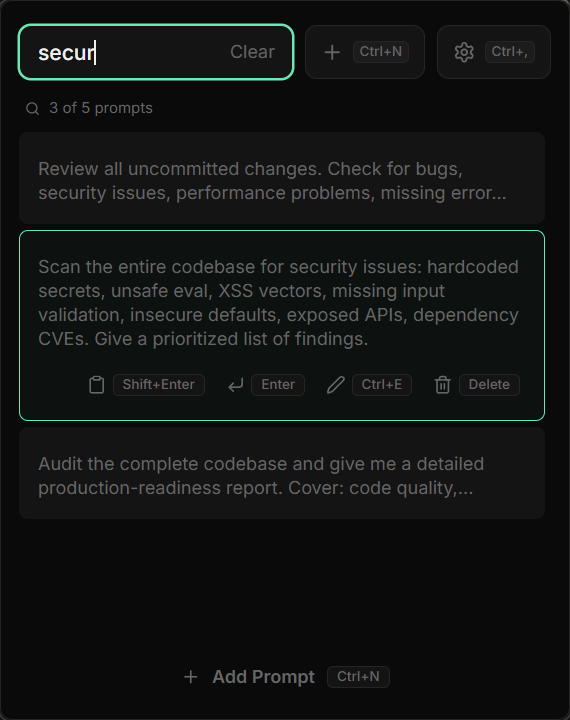
Keyboard-first navigation. Every action has a shortcut. Arrow keys to navigate, Enter to paste,
Shift+Enterto copy,Ctrl+Nfor a new item,Ctrl+Eto edit,Ctrl+Dto delete. You never need to touch your mouse.
Auto-paste. Parrot captures the foreground window before opening, so when you select an item, it restores focus and simulates
Ctrl+V. It works in browsers, IDEs, terminals, chat apps - anywhere that accepts paste.
Copy-only mode. Hit
Shift+Enterand it copies to your clipboard without pasting. Useful for pasting into a non-standard field at your own pace.
Local and offline. Everything is stored as JSON in your app data directory. No sign-ups, no sync, no data leaving your machine.
| Shortcut | Action |
|---|---|
Ctrl+Shift+Space | Toggle Parrot |
↑ / ↓ | Navigate items |
Enter | Paste selected item |
Shift+Enter | Copy to clipboard (no paste) |
Ctrl+N | New item |
Ctrl+E | Edit selected item |
Ctrl+D | Delete selected item |
Escape | Close / go back |
The tech
Parrot is built with Tauri v2 - a framework that wraps a web frontend in a native Rust binary. The result is a tiny installer (under 5MB), low memory usage, and full access to system APIs.
The stack:
- Frontend: React, TypeScript, Tailwind CSS, Vite
- Backend: Rust, Tauri v2, Windows API (
windowscrate) - Storage: Local JSON files
- Packaging: NSIS installer
If you're on Windows and find yourself copying the same things repeatedly, give it a try. And if you find it useful, leave a star on the repo - it means a lot.